 VROOM ANALYTICS
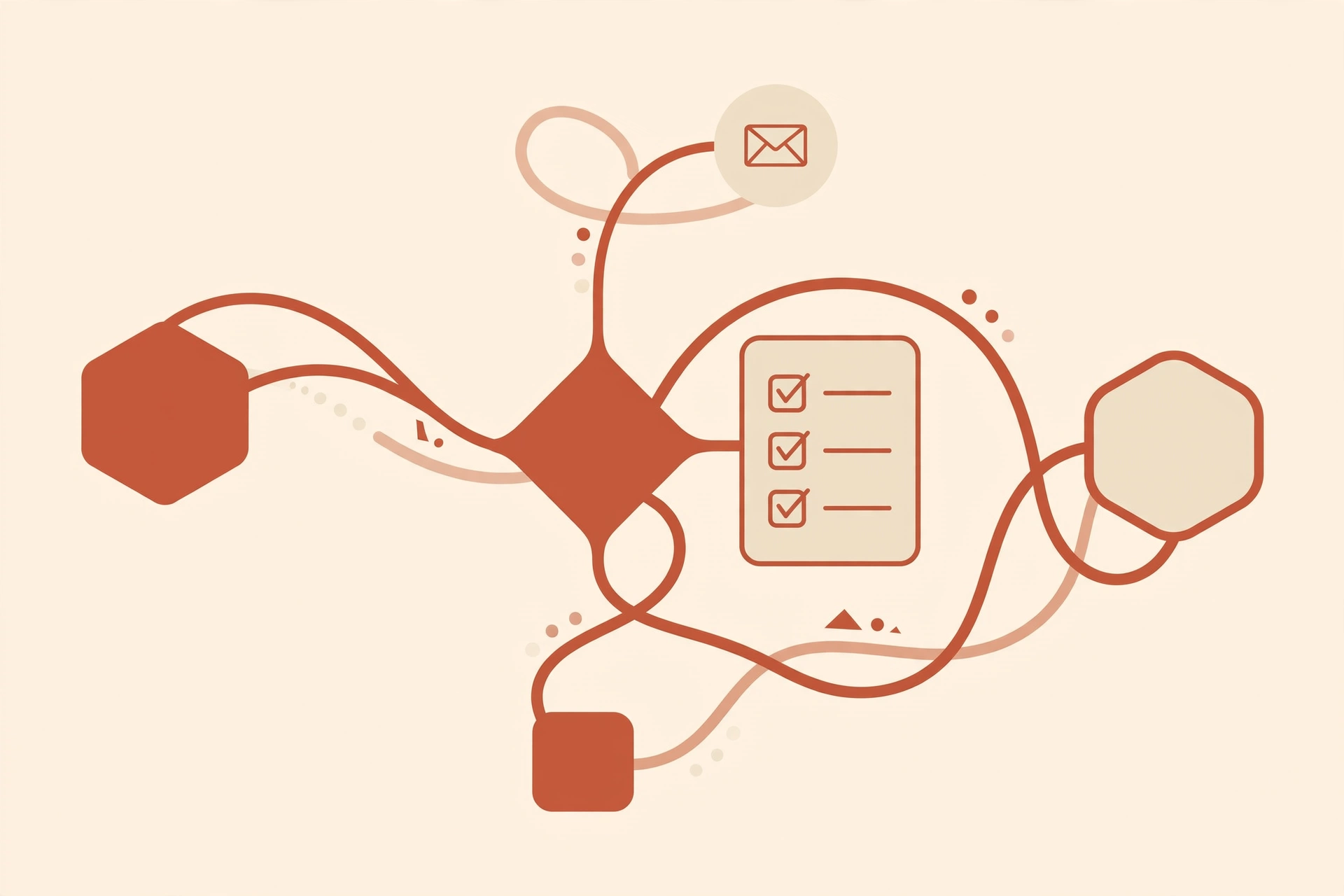
Live: the agent runs the whole workflow
Pick a fictional sample inquiry — or write your own — and press run. The agent works through six steps in front of you: two run live in your browser, three are simulated integrations (labeled), and one is you — the human approval gate. A failure is injected on purpose so you can watch the retry.
-
queued1 · Classify the inquiryRuns live in your browser
Waiting to run.
-
queued2 · Look up the contact in the CRMSimulated
Waiting to run.
-
queued3 · Draft the follow-upRuns live in your browser
Waiting to run.
-
queued4 · Human approvalThat's you
Waiting to run.
-
queued5 · Send with retry on failureSimulated
Waiting to run.
-
queued6 · Log everythingSimulated
Waiting to run.
Workflow blueprints
Three automation ideas drawn for the sample business. Blueprints are the design — the first one is the agent run you just tried above.
WF-1 · Inquiry triage → follow-up draft
New inquiry arrives (form or inbox)
Classify by intent: feasibility, coordination, process, general
Look up the contact in the CRM
Draft a follow-up in their voice from approved copy
Person reviews, edits, approves — nothing sends without this
Send with automatic retry on failure
Log every step, alert on repeated failure
WF-2 · Consultant coordination digest
Weekly schedule (e.g. Monday 8am)
Gather consultant emails + updates per project
Summarize status, blockers, next actions per project
Person reviews the digest
Send digest to the project lead
WF-3 · Pre-development checklist nudges
Checklist item still missing after N days
Draft a nudge referencing the specific missing document
Person approves or skips
Send nudge + log it
Escalate to a call task if still missing
Guided setup walkthrough
How Vroom would set this automation up for the sample business. Step through it — each step says what we do, what the client provides, and whether it's live or illustrative in this demo.
Step 1 — Connect the inquiry source
We plug into wherever inquiries already land: the contact-form inbox, a shared info@ mailbox, or a simple form. The client provides access; we configure the connection on their accounts, never ours.
- Connect the inquiry source — inbox or form, on the client's accounts. Illustrative here.
- Map intents to their services — categories drawn from their public site: feasibility, consultant coordination, process questions. Illustrative here; the categories below are the real ones.
- Draft follow-ups in their voice — templates built from approved site copy, not invented claims. The drafter runs live in Piece 3.
- Human approval before anything sends — every draft waits for a person. Nothing goes out unreviewed, ever. Live rule in Piece 3: you are the approver.
- Monitor and tune monthly — misclassified inquiries get reviewed, categories get refined. Illustrative here; part of the $99/mo care plan in production.
When it breaks at 2am
The demo above injects one failure so you can watch the retry. In production, this is the part clients actually pay for: the automation is monitored like infrastructure, not left running and hoped about.
Every run is logged
Each step writes a timestamped record — what ran, what it decided, how long it took. When something looks off, there's a trail to read instead of a mystery to guess at.
Failures page a human
One failure retries automatically. Repeated failures — or a step the agent can't resolve — raise an alert with the full context attached. Nothing fails silently at 2am.
Retries, fallbacks, escalation
Transient errors get retried with backoff. Anything the automation can't fix escalates to a person with the run history attached — the inquiry is never dropped, it's handed over.
Reviewed and refined monthly
Misclassified inquiries get reviewed, categories get refined, prompts get tightened as your business changes. Setup is just day one — this is the $99/mo care plan: monitoring, error fixes, and small tweaks as your apps and APIs change.
A simple one-trigger flow you could build in an afternoon doesn't need any of this — and we'd tell you. Orchestration earns its keep on the jobs that run while you sleep.
Honest boundaries
Exactly what this demo does and doesn't do — and how the production version runs.
Live in this demo
- The inquiry classifier — runs for real on the text you enter, in your browser.
- The follow-up drafter — composes a draft from the classification, in your browser.
- The human approval gate — the run stops until you approve or stop it.
- The retry logic — the failure, the retry, and the escalation policy are real code paths.
- Nothing leaves your browser. No accounts, no email sent, sample data only.
Illustrative, not connected
- The CRM lookup, the send, and the run logging — simulated stand-ins, clearly labeled.
- The inbox connection in the blueprints — drawings, not integrations.
- We have no access to Disruptive Creations' inbox, CRM, or internal documents, and don't pretend otherwise.
- Sample inquiries are fictional, written to resemble real ones.
How it runs in production
n8n or Make orchestrates the flow; an AI model does the classification and drafting; a human approves before anything sends; every run is monitored with retries, alerts, and escalation. Configured on the client's accounts — they own everything.
Go deeper: the multi-agent pipeline code — typed handoffs, the approval gate, failure drills, idempotent sends (GitHub repo publishing soon) — and the blog: the problem in detail, and the step-by-step solution.
| Platform cost | Typical range | Note |
|---|---|---|
| n8n (self-hosted) | ~$5–$20/mo infra | Estimates, not quotes — depends on volume. Our build fee is separate: S01 $120 / $300 / $500, care plan $99/mo. |
| n8n Cloud | from ~$20/mo | |
| Make | ~$9–$29/mo at this volume | |
| AI model usage | a few dollars/mo for hundreds of inquiries | Estimate — metered per use. |
Starter
$120
One revenue-critical workflow with error handling and failure alerts.
Connected
$300
Connected systems with monitoring across your apps.
Premium
$500
Full orchestration: multi-agent workflows, AI knowledge system, 30-day monitoring.
No invented client quotes, no client results claimed. The real thing is scoped to approved info, tested against edge cases, and reviewed by a human before launch — same as every Vroom build.
Want this running your business?
Same shape, your systems, your voice — scoped, priced, and monitored before you commit. Fixed scope, fixed price, 14-day defect window.